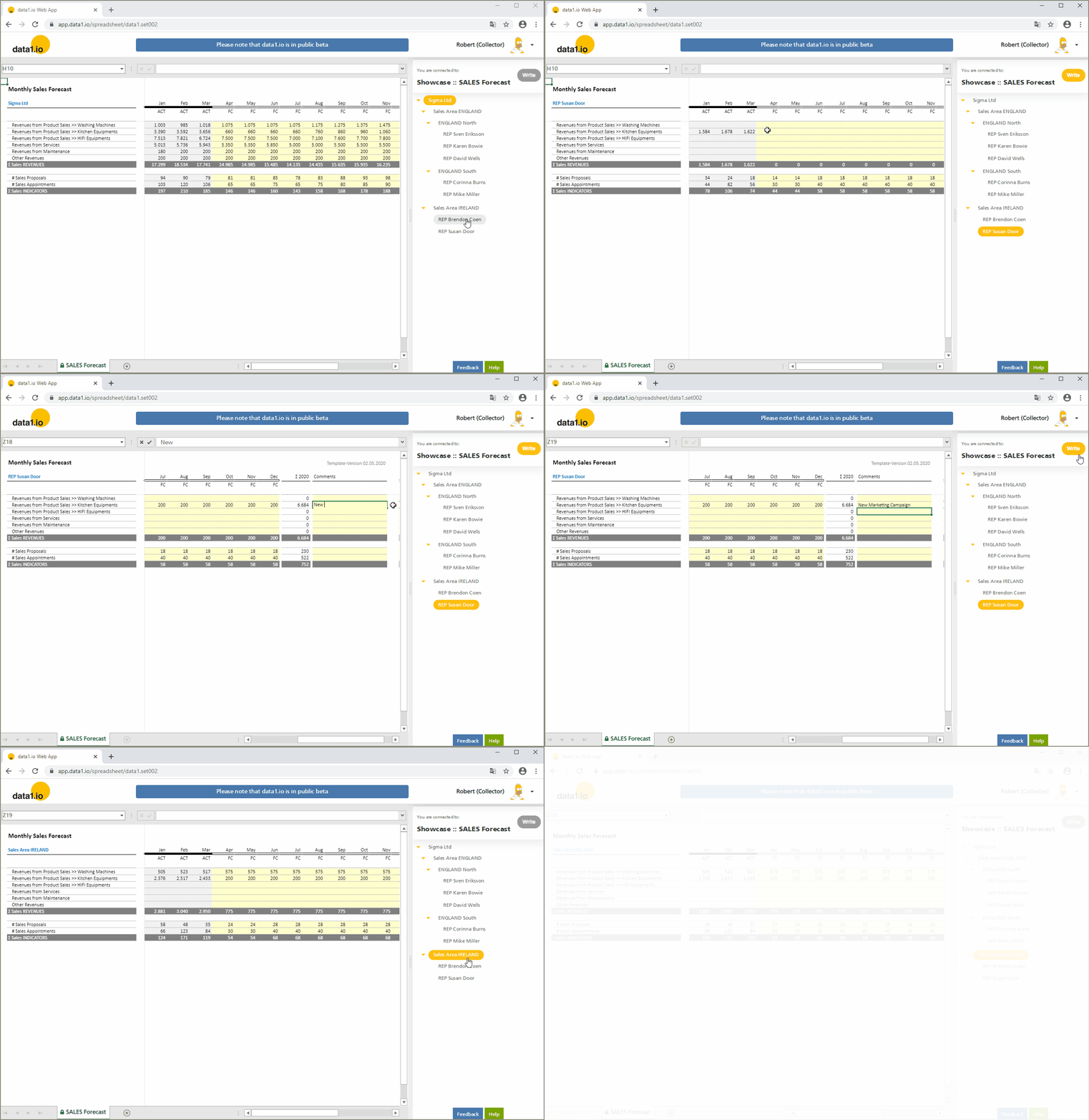
Showcase SALES Forecast

Collect monthly forecasts from your sales team

  • Use this showcase to test data1.io for a decentralized sales forecast on a monthly and revenue type basis per sales representative.
  • Actuals from ERP/CRM are imported and displayed in the Excel Sheet dynamically, on this basis the forecast is entered by the collector users.
  • Create as many forecast versions as you want/need.
  • You can use both the Web Client as well as the Excel Client in this showcase.

Getting Started with the Excel Client

Showcase Workflow

  • At first actuals are transferred by the inner sales team from the ERP/CRM system to the so-called ‘fact table’ of the data1.io application. Then every sales rep gets his/her monthly invitation mail for the current collection workflow.

  • Then every sales representative enters his/her current sales forecast. Beginning in the current forecasting period revenues are entered by category, then number of proposals and appointments. The sales rep can get access to all of his/her own historical data (read-only) and is able to update his/her current data as long as the current collection workflow is open. The workflow is individually closed by every single collection user pressing the “FINISH” button.

  • The sales forecast uses real-time aggregation to check and approve the overall sales forecast that results from the bottom-up data collection. He/she can decide that some sales rep are re-opened in order to update the forecast for their regions.

  • The data can be connected via the ODATA-API to a dashboarding service like Microsoft Power BI and/or into an ERP/CRM solution like SAP®.